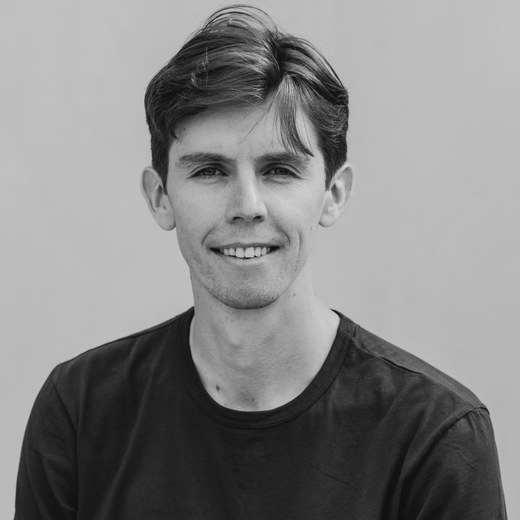
I'm an Australian runner based in Sweden, and I spend much of my time training in the mountains of Graubünden in Switzerland. My focus is trail running, and I compete in ultra-distance races.
I coach runners at every level, from elites to recreational runners. The one thing I ask is that you're committed to your goals and take your training seriously.
A coach gives many things: tailored programming, workout analysis, goal setting, emotional support, and everything in between. I see my role — the thing I try to be excellent at — as working out which of those you need most, and giving you that, so you improve faster than you would alone.
I'm an economist by background and a data nerd, so your plan is built from your own training history rather than a template. I also commit to my athletes to stay at the frontier of exercise physiology, and to put the best current endurance science into the plans I write.
I coach a small group, so the experience is genuinely one-to-one.
If you'd like to know more, get in touch through any of my socials, or .
Thanks - I'm reviewing your request
Your account's set up. I've been notified and will email you as soon as I've approved your request - that email includes a link straight into your intake. No need to do anything else here in the meantime.
Training block
Thanks for all the info. I'll share your plan shortly.
Your plan unlocks once I've reviewed your training data, checked your zones, and approved the block.
Training plan, week by week
Calendar view
Drag a session onto another day to switch the two around. Days it can't go to grey out as you pick it up - hard sessions need a clear day between them.
Weekly plan

Plan Summary
Your training zones
Your paces at the start and end of the block
Account
Changing your email sends a confirmation link to both the old and the new address - the change takes effect once you click it.
Password
intervals.icu
Checking your connection…
Strava
Checking your connection…